Measured
Right-sizing from real usage data, not guesses
Attributed
Spend broken out per namespace, team and workload
Reversible
Every change lands through Git — rollback is a revert
3–8 weeks
Typical engagement, from cluster audit to hardened production
Kubernetes is rarely the wrong choice. It is frequently an under-resourced one.
Teams adopt Kubernetes for good reasons — many services deploying independently, standard rollout and rollback semantics, a scheduler that does not care which cloud it is on. Then they staff it with the same two engineers who already own CI, the VPN and the on-call rota. The platform keeps doing exactly what it says it will. What decays is everything around it, because nobody has the hours to own it.
The symptoms are consistent. Requests and limits were set during the migration and never revisited, so the scheduler bin-packs against fiction and you pay for reserved capacity that no pod ever uses. Cluster autoscaler thrashes on mixed workloads — it scales a node group that cannot actually fit the pod that triggered it, then scales back down ten minutes later. There is no namespace-level cost attribution, so the cluster line item is one number and no team owns any part of it. Version upgrades get deferred past two or three releases until they stop being routine and start being a project with a risk register. And the cluster is described as multi-tenant when multi-tenancy means a namespace label and nothing else: no default-deny NetworkPolicy, no ResourceQuota, no PodDisruptionBudget, so one team’s runaway job can take down another team’s API.
We do not rebuild your platform. We start read-only — utilisation data, manifests, node groups, RBAC, add-on versions — and come back with a prioritised list of what is costing money and what is going to hurt. Then we land changes through your GitOps pipeline, in your repos, in an order that puts the low-risk savings first and the structural work second. We will also tell you when Kubernetes is the wrong tool for a specific workload and the honest answer is to move it to ECS, Fargate or a managed PaaS. That conversation is cheaper in week one than in month six.
Core Capabilities
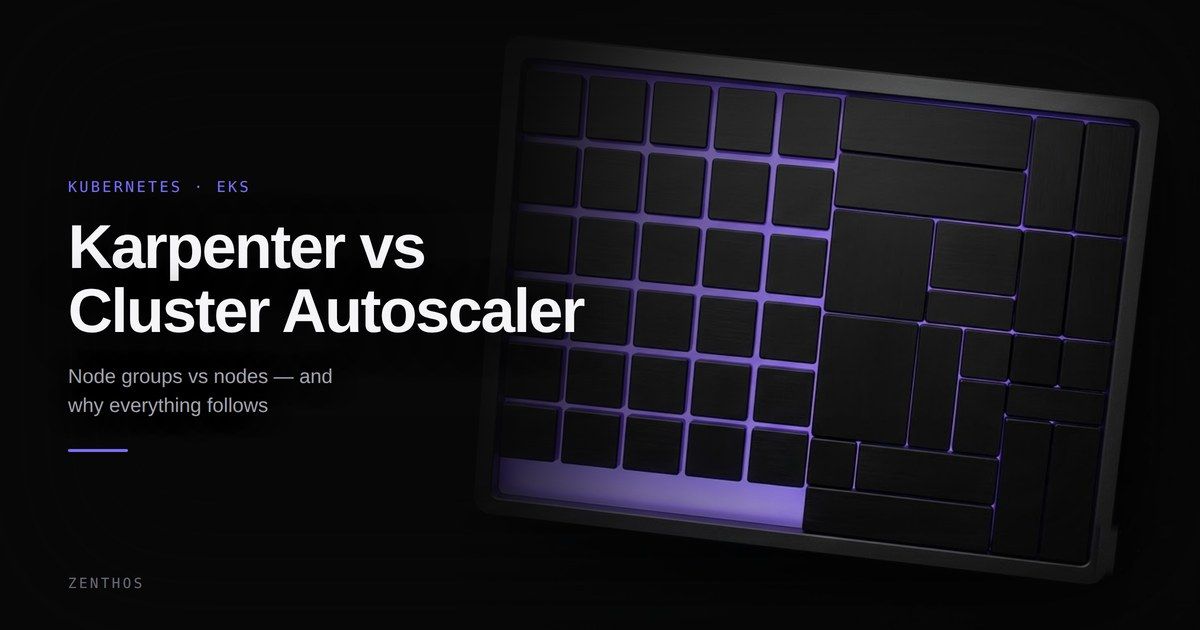
Karpenter vs. Cluster Autoscaler vs. fixed managed node groups
Three ways to decide how many nodes you have and what shape they are. They fail differently, and the fastest option is not automatically the right one.
Fixed managed node groups are the right answer more often than autoscaling advocates suggest. If your workload is small and predictable, two correctly sized node groups will cost you less in engineering attention than any autoscaler will save you in EC2.
Our Process
Cluster Audit
Read-only access first. We pull utilisation against requests, review manifests, node groups, RBAC, network policy and add-on versions, and return a prioritised written list of what is wasting money and what is going to break.
Right-Size & Reclaim
Requests and limits reset against measured usage, orphaned volumes and load balancers removed, node groups consolidated. Lowest-risk savings first, verified against your SLOs before anything structural changes.
Autoscaling & Node Strategy
Karpenter, or a properly tuned Cluster Autoscaler if that is the better fit. Spot where interruption is tolerable, on-demand where it is not. Migrated one node group at a time with workloads live.
Guardrails & Delivery
Quotas, default-deny network policy, PodDisruptionBudgets, admission rules, and GitOps as the only route into the cluster. This is what stops step 02 from quietly reversing itself over the next two quarters.
Upgrade & Hand Over
We run one full version upgrade alongside your team, then leave the runbook, the dashboards and the Terraform and Helm behind. You should not need us for the next one.
Tech Stack
We choose the right tool for the job — not the trendiest one.
 Kubernetes
 Amazon EKS
 Terraform